
Image to Line Art
Upload a photo, set line weight and detail, and get image to line art in pure black on white. Your first image is free, no sign-up.
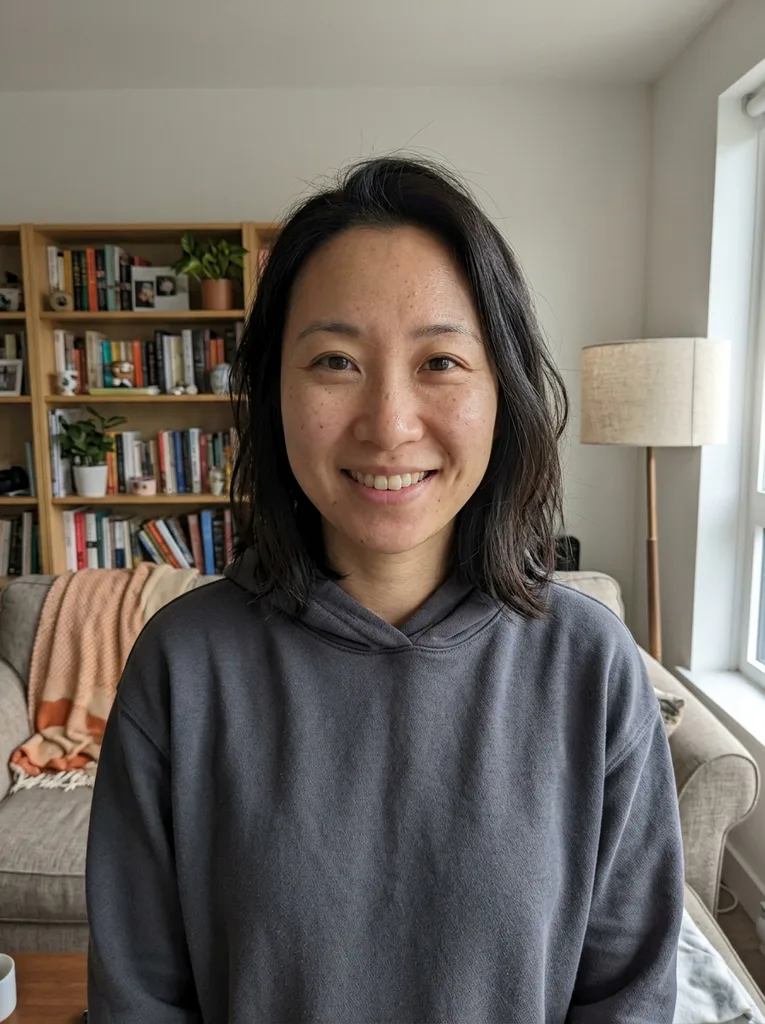 Before
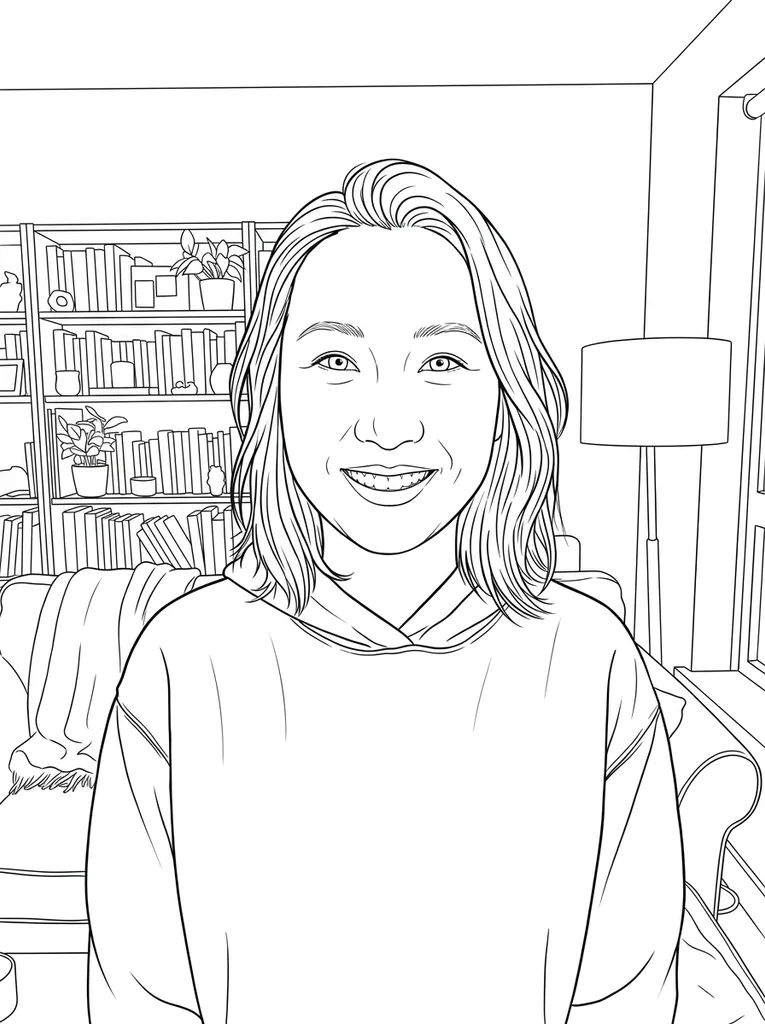 After
Example result. Upload your photo to make yours.
Examples
BeforeAfter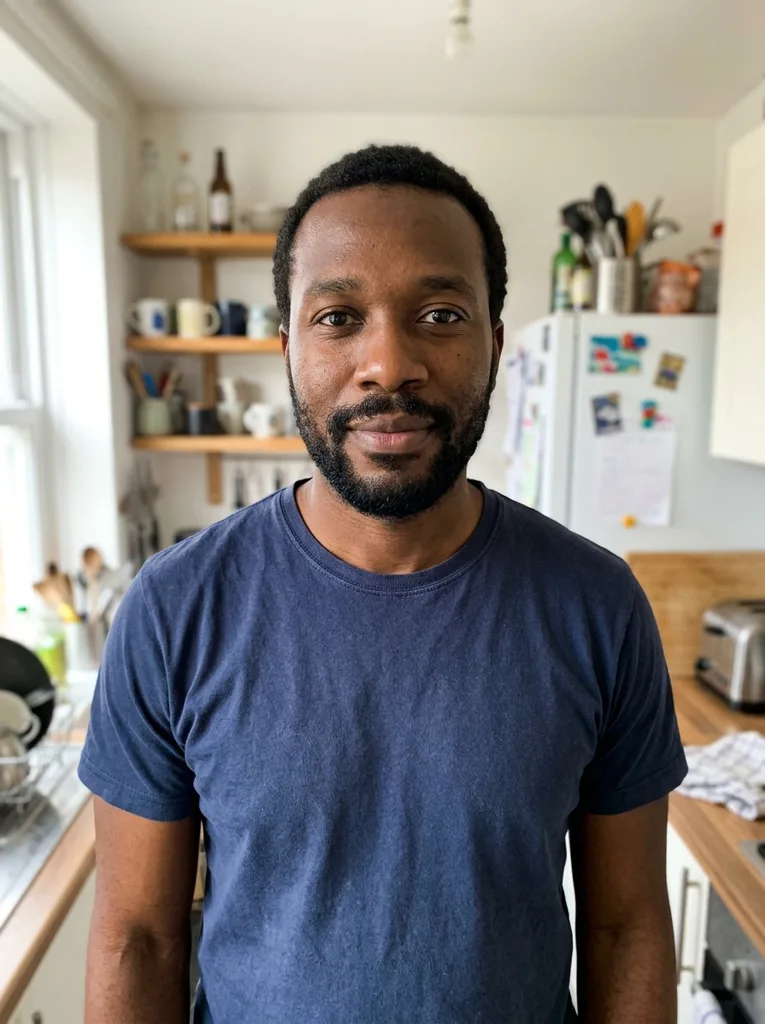 Before
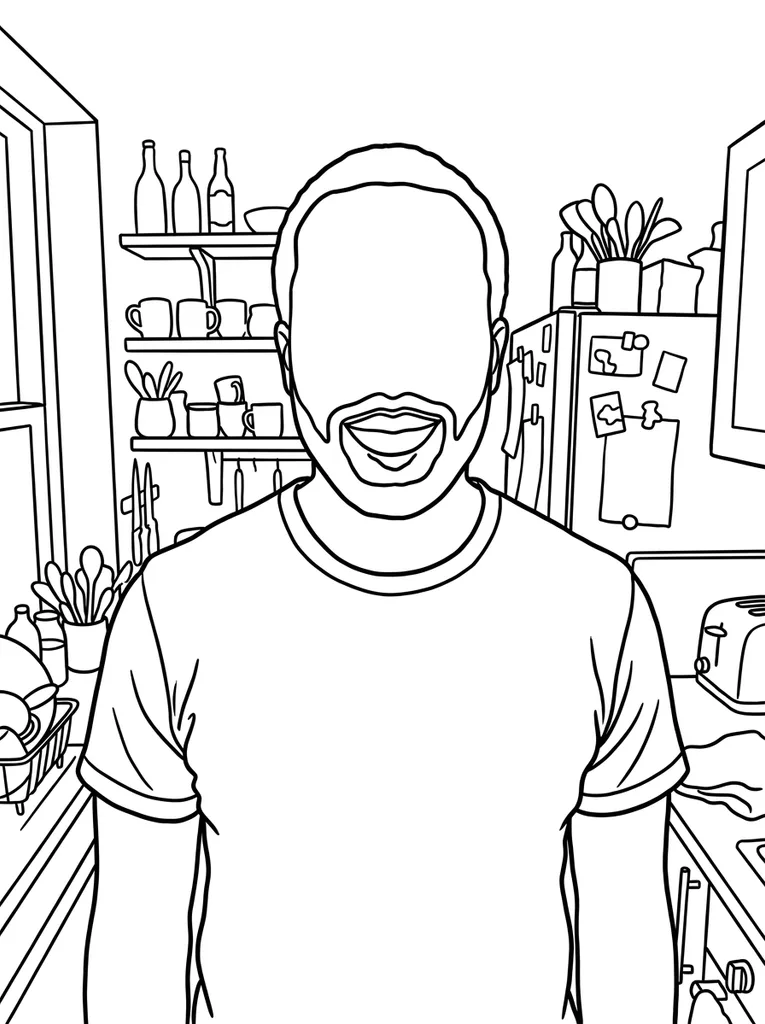 After
Outline Only, Standard or Detailed: Which to Pick
Detail decides how many lines get drawn; line weight decides how thick they are. You set both before you generate.
| Outline only | Standard | Detailed | |
|---|---|---|---|
| What the model is told to draw | The outer contours of the main subjects and the most important shapes, nothing inside them | Contours plus the main inner lines: facial features, clothing folds, key edges of the background | Every meaningful edge, including hair strands, fabric texture and background detail |
| Good for | Coloring pages for small children, tracing practice, simple stickers, shapes to trace into cut paths | Portraits, pet drawings, cards and coloring pages for older kids | Adult coloring, drawing reference, buildings and busy street scenes |
| Line weight that suits it | Bold, for wide shapes that are easy to fill and easy to see | Medium, the default, like a 0.5 mm technical pen | Thin, so many lines still have room between them |
| Skip it when | The person needs to stay recognizable, since faces lose their features | You only want a shape or a silhouette-like outline | A young child will color it, or you plan to trace it by hand |
How to Turn a Photo into a Line Drawing
Image to line art here takes one photo and returns one black-and-white drawing, with two download buttons.
- 1
Upload one photo
Drop or pick a JPG, PNG, WebP or HEIC file up to 10 MB. HEIC photos are converted to JPEG in your browser before they are sent.
- 2
Set line weight and detail
Choose Thin, Medium or Bold, then Outline only, Standard or Detailed. If something should change, add a short note, such as "only the person, no background".
- 3
Generate, then download
The line art appears beside your photo. Download keeps the white background; Transparent PNG removes the white around the drawing so it can sit on any color.
Where Photo to Line Drawing Results Get Used
Most people know the end use before they upload, and that use should decide your two image to line art settings.
Coloring pages from family photos
Bold lines with Outline only give wide, open shapes a child can fill. The model is told to use pure black lines on white, so you can print the page or fill it in any paint app.
Tracing and drawing practice
Standard or Detailed lines show where the eyes, nose and shoulders sit, or how a building's edges line up. Print it for a light box, or put it under a new layer in your drawing app and trace over it.
Tattoo and embroidery references
A thin, detailed version gives an artist a starting point to redraw. It is a reference image, not a finished stencil, so the artist still reworks the lines.
Mugs, shirts and sticker mockups
Transparent PNG drops the outer white so the drawing sits on a colored design. White inside closed shapes, such as a face, stays white, so plan for that on dark backgrounds.
Cutting machines and laser engraving
The file is a raster image, not a vector. A laser engraver in raster mode can engrave it once you set it up in the laser software, but cutting machines and laser cutting follow paths, so trace it first in a vector editor, for example Inkscape's Trace Bitmap. Outline only with Bold leaves the fewest lines to trace.
Cards and keepsakes
A line portrait of a partner, parent or pet works on a birthday card or a print you frame at home. Leave it as clean ink, or add color by hand after printing.
Photo Tips for Cleaner Image to Line Art
The photo you pick matters more than any setting.
- Use a clear, well-lit photo where the main subject is large and in focus, not tiny or blurry.
- Crop close to the person, pet or object first, so the model has more of the subject to draw.
- Pick a photo with a plain background, or write "no background, only the subject" in the note.
- Prefer soft, even light over harsh shadows falling across a face.
- Decide on line weight and detail before you press the button, because a new setting needs a new generation.
- Remember your first image is free across the whole site, not on each page, so start with the version you need most.
- Upload only photos you took or have permission to use, and none of anyone under 18.