
Photo to Painting
Photo to painting in 8 art styles: upload a picture, pick oil, watercolor, pop art or another look, then download it. First image free, no sign-up.
Art style
More ways to turn a photo into art
- Image to Pixel Art8-bit and 16-bit pixel art from a photo
- Picture to DrawingPencil, ink, charcoal or cartoon drawing
- Photo to SketchPencil and charcoal sketches
- Image to Line ArtClean black-and-white outlines
- Studio Ghibli AIHand-drawn anime film look
- Image to Art ConverterComic, stained glass, ukiyo-e and more
- AI Portrait GeneratorPainted portraits that look like you
- AI Pet Portrait GeneratorRoyal and painted portraits of your pet
Examples
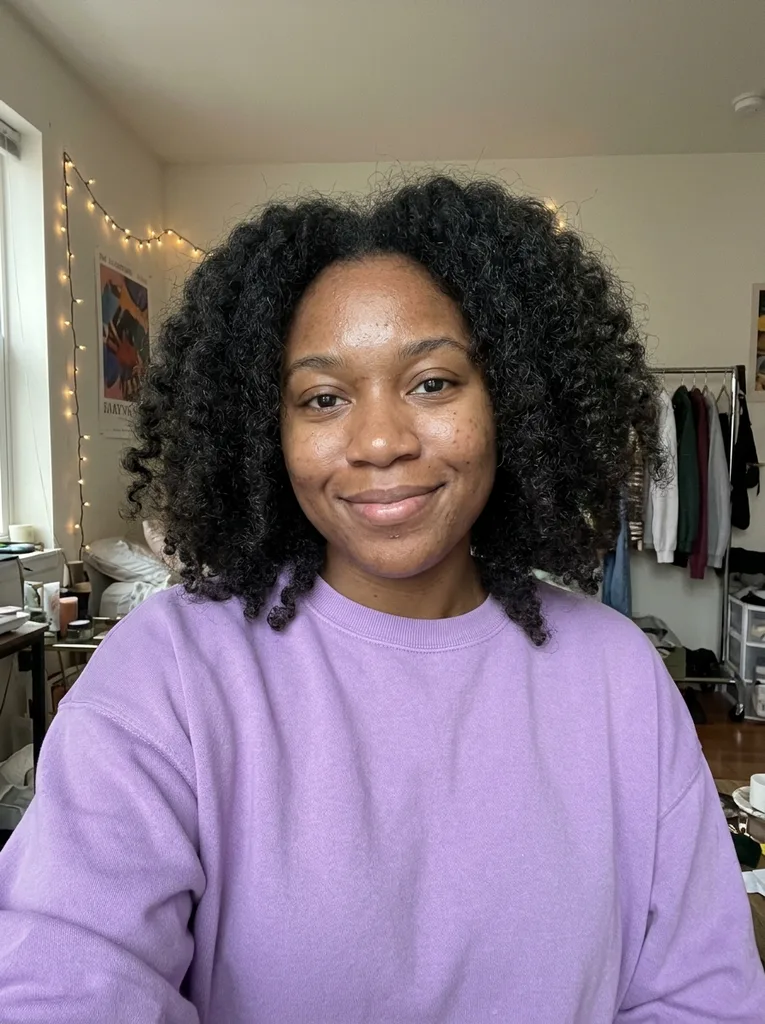 Before
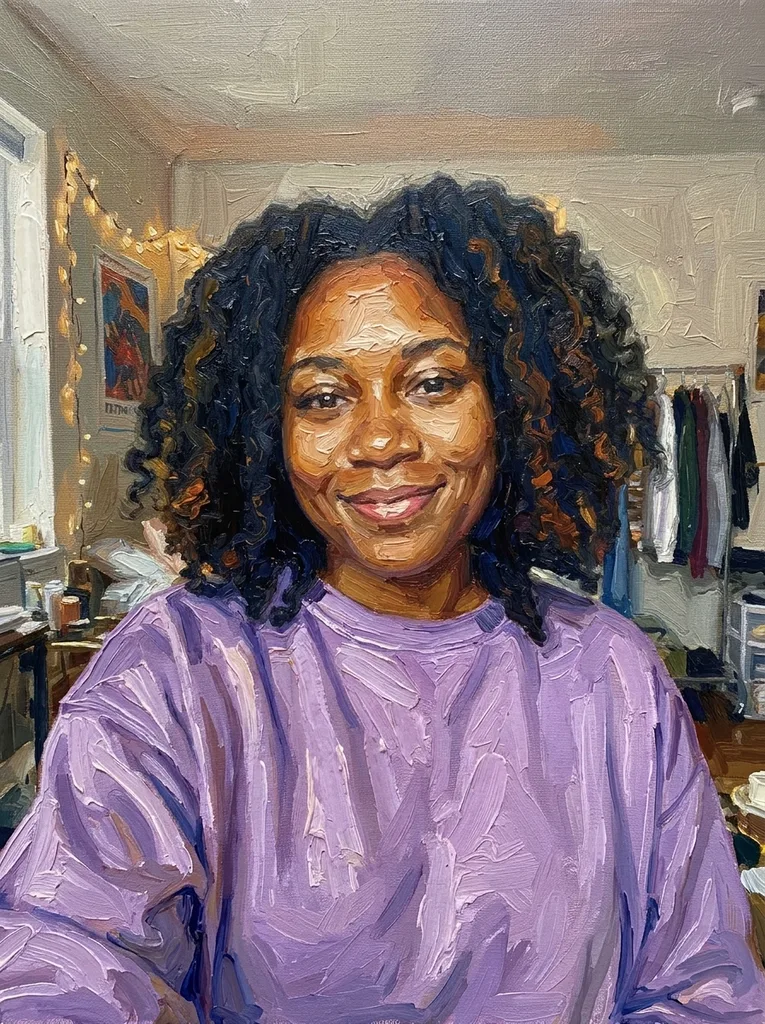 After
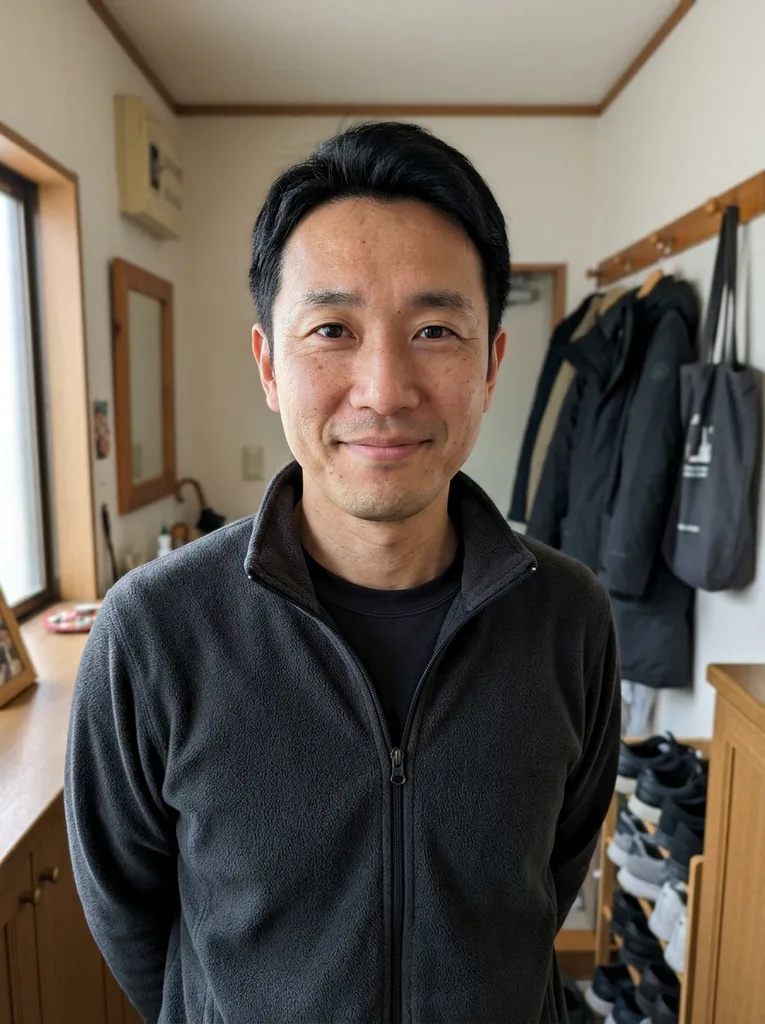 Before
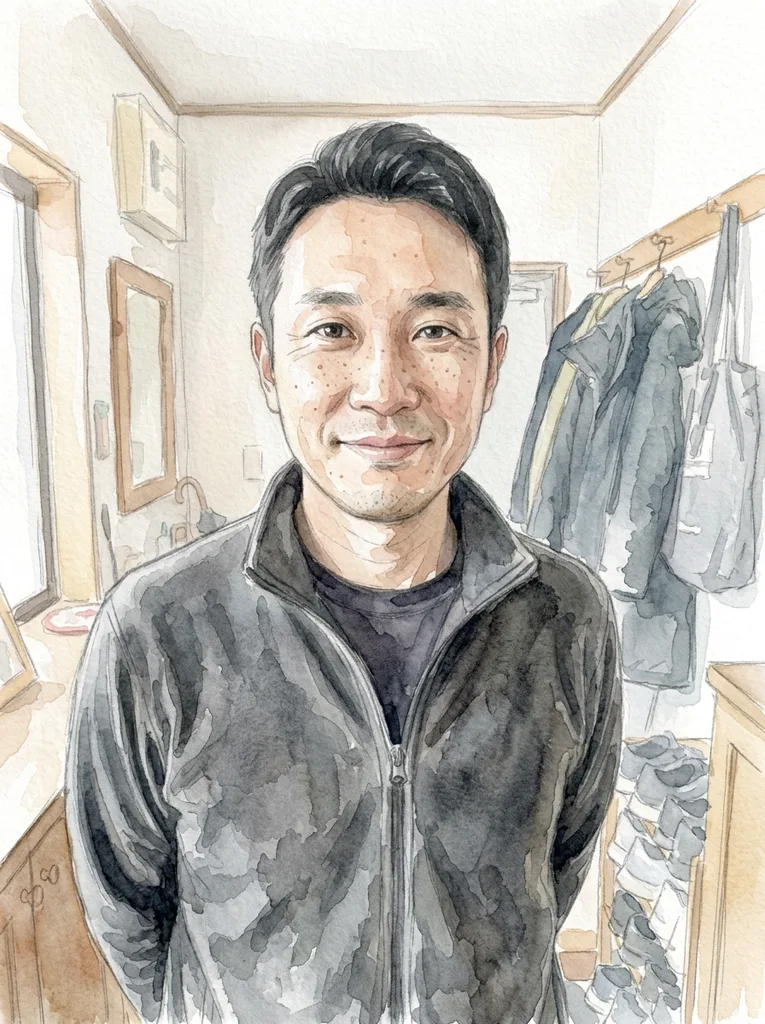 After
How to turn a photo into a painting
This photo to painting tool works on one picture at a time, in your browser, with nothing to install.
- 1
Upload one photo
Drop in or pick a JPG, PNG, WebP or HEIC file up to 10 MB. Portraits, pets, scenery and buildings all work, as long as the main subject is clear and not tiny. Your browser converts iPhone HEIC files to JPEG and scales the photo to at most 2048 pixels on the long side before upload, so a phone photo can go in as it is.
- 2
Pick an art style and, if you like, a note
Choose one of the 8 styles below; Oil Painting is selected until you pick another. The optional box takes up to 300 characters, such as "warmer colors" or "add a starry sky", and that text is added to your request.
- 3
Generate, then download
The photo to painting result appears beside the tool while your photo stays as a small thumbnail in the prompt box. The Download button saves the file the model returned, with no watermark from us and no shrinking. Save it before you leave: results are not kept on the page or in an account.
Picture to painting styles and what each one does
Each photo to painting style is a written brief for the model to repaint the whole picture, faces included.
Oil Painting
The model is told to use thick directional brushstrokes, ridges of impasto paint in the highlights and a visible canvas weave, with strokes on faces too. Pick it for family portraits or a picture you plan to frame as a gift.
Watercolor
Transparent washes that bleed into each other, a loose pencil underdrawing that shows through and patches of bare white paper. The airy look suits travel photos, gardens and quiet scenery.
Impressionist
Short broken dabs of pure color placed side by side, soft edges and shimmering daylight, in the manner of 19th century French open-air painters. Outdoor photos with plenty of light give it the most to work with.
Acrylic
Bright opaque color in clean flat areas with crisp edges and confident brush marks. It reads more modern than oil, which makes it a good match for city shots, interiors and bold portraits.
Pop Art
A 1960s screen-print look: a short bright palette, thick black outlines, halftone dots in the shading and high contrast. A face or a pet against a simple background turns into the clearest print.
Kawaii
Pastel colors, rounded simple shapes, big sparkling eyes and a soft blush on the cheeks. The model is told to keep each person and animal recognizable, which makes it a fun choice for pet photos and playful selfies.
80s Retro
Airbrushed neon pink, purple and teal gradients, a glowing rim light and chrome highlights under a synthwave sunset mood. Try it on a car, a skyline or a profile picture.
Ghibli-Style Anime
A hand-drawn 2D anime film look with soft painted backgrounds, warm natural colors and gentle cel shading, inspired by classic Japanese animation. This site is not affiliated with Studio Ghibli; its Ghibli-style page adds a choice of scene.
Ways to turn a picture into a painting, compared
Three photo to painting routes. Hand-painted prices and times are typical figures from those services' own pages.
| This AI tool | Filter app or Photoshop | Hand-painted commission | |
|---|---|---|---|
| Cost | First image free, no card | Free tiers; some apps watermark free exports | Typically from about $89 |
| How it is made | An AI model repaints the whole photo | An effect laid over your own pixels | Real paint on canvas by an artist |
| What you get | One digital image at 1K | A digital image | A physical painting, shipped |
| Waiting time | One generation on this page | You apply it yourself | Typically one to two weeks |
| Your control | 8 style presets plus a short note | Sliders for brush size and detail | Requests to the artist, often with a proof |
| Likeness | The model is told to keep faces; check it | Close, since the photo stays underneath | Down to the artist's skill |
| Large canvas print | Not suited; no upscale | Depends on your photo's size | Yes, the size you order |