
AI Portrait Generator
This AI portrait generator repaints one photo of you in six fine-art styles. Your first image is free, no sign-up needed.
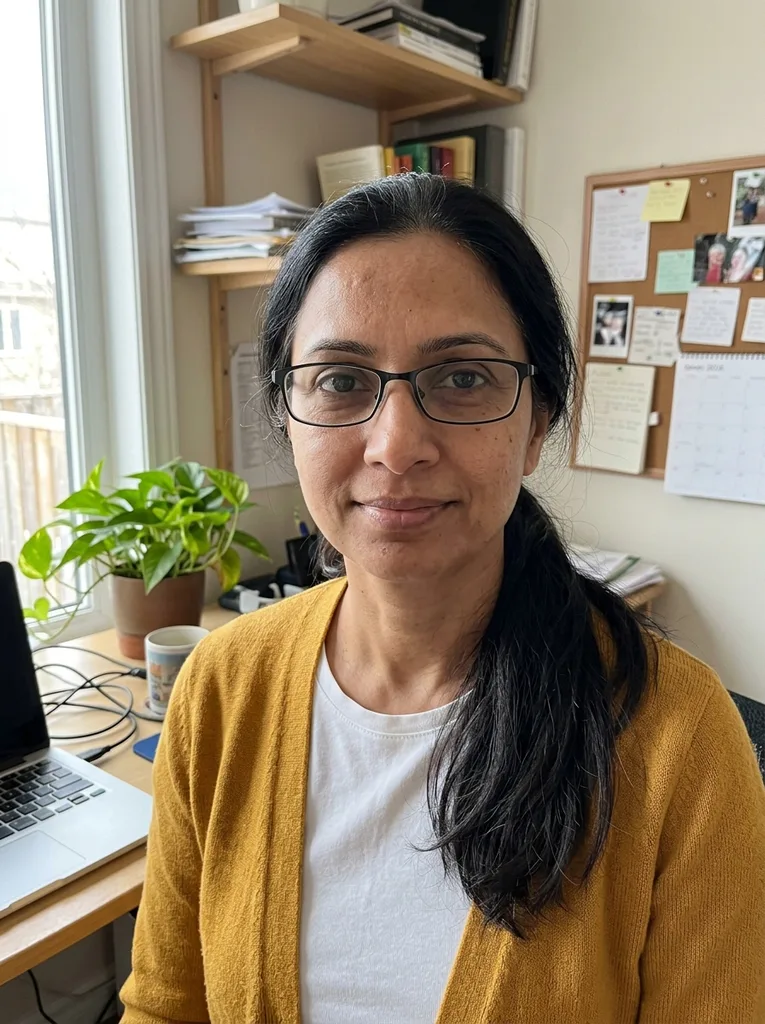 Before
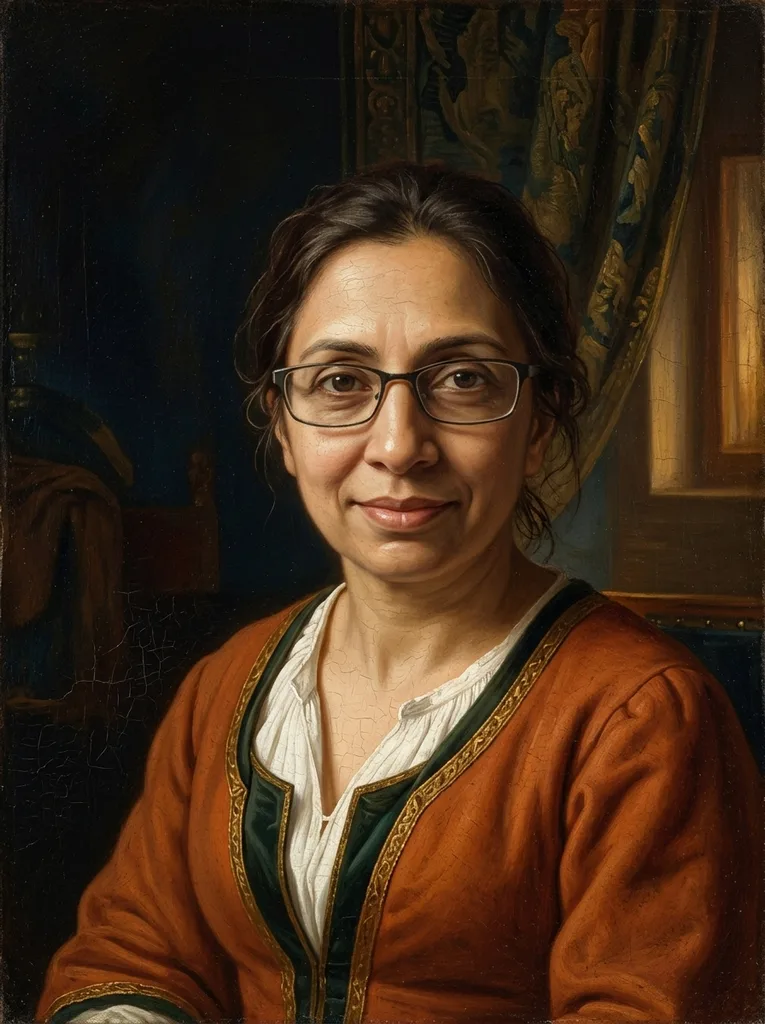 After
Example result. Upload your photo to make yours.
Examples
BeforeAfter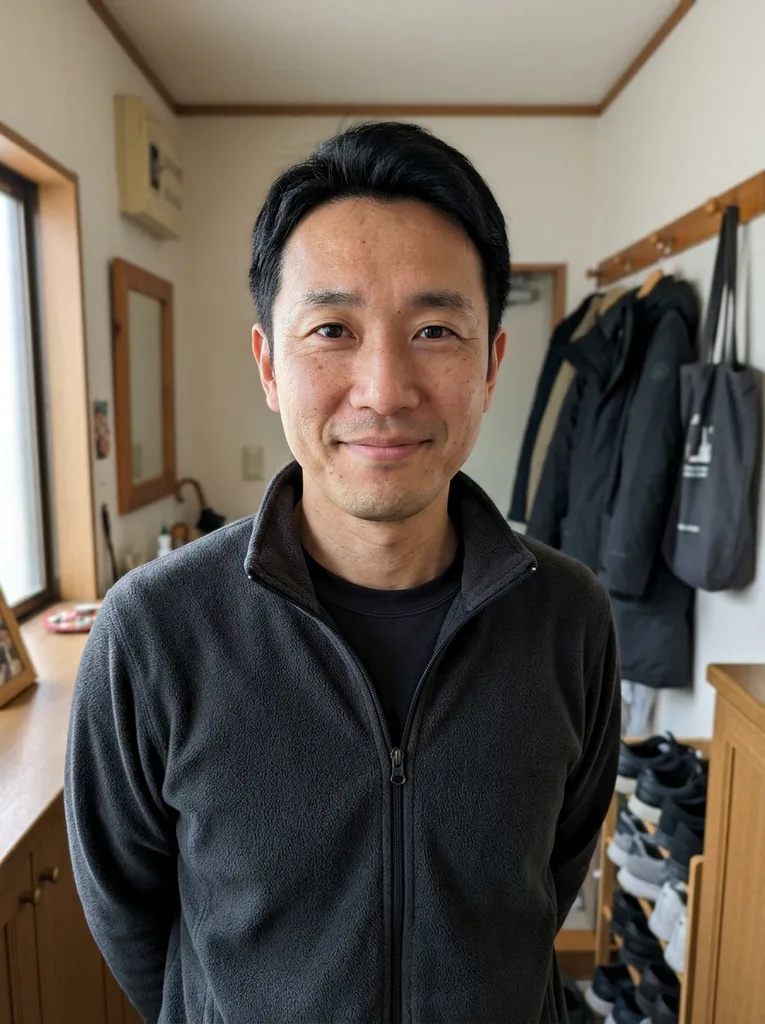 Before
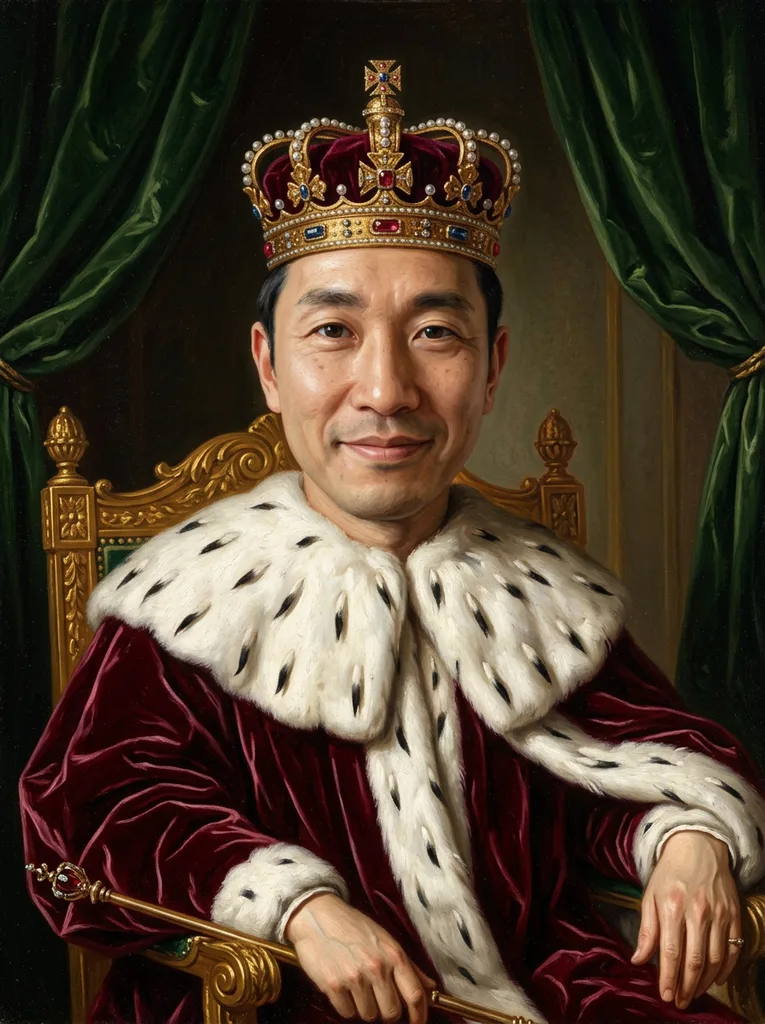 After
A Painted Portrait Based on Your Own Picture
This AI portrait generator takes one photo of you and repaints it as an artwork: an oil portrait, a royal court painting, a watercolor, a charcoal drawing or a digital painting. You never write a prompt. Each style button carries its own description of brushwork, light, clothing and background, and the model is told to keep your face shape, skin tone, age and hair as they are, without flattering them.
The result is one head-and-shoulders or half-length portrait in a 3:4 vertical frame, with no border, text or watermark. An optional note of up to 300 characters, such as wearing a dark green dress, is added to the request. It is an AI image, so compare it with your photo before you share it.
Made for
- Gift givers
- Profile pictures
- Writers and creators
- Gamers and streamers
- Fans of classic art
How to Turn Your Picture into an AI Portrait
The AI portrait generator takes three steps, one photo and no prompt.
- 1
Upload one photo of yourself
Click the upload box or drag in a JPG, PNG, WebP or HEIC file up to 10 MB. iPhone HEIC photos are converted to JPEG in your browser, and large photos are scaled down before upload.
- 2
Pick a portrait style
Choose one of six: Renaissance Oil, Royal Portrait, Fine Art Studio, Watercolor, Charcoal or Digital Painting. If you like, add a short note such as the color of your clothes.
- 3
Generate and download
The portrait appears next to the panel where your photo stays as a thumbnail. Press Download to save it, because the result is gone once you refresh or leave the page.
Six AI Portrait Styles and Where Each One Fits
Each style brings its own clothing, light and background. Your free image covers one style, so pick by where the portrait will go.
Renaissance Oil for a family gift
Soft blended shading, warm earth tones, a dark background and period clothing, in the manner of old master oil portraits. It is the default style and the safe choice for a parent, partner or grandparent who likes classic art.
Royal Portrait for a birthday joke
The model is told to add velvet robes with ermine trim, a crown or tiara, a gilded chair and heavy drapes. It suits a birthday card, a retirement send-off or a group chat that needs a new monarch.
Fine Art Studio for a profile picture
One hard light from the side, a deep black background and visible oil brushwork. Pick it for a moody profile picture or an author photo that should look painted rather than snapped.
Watercolor for a light, friendly avatar
Transparent washes, soft color bleeds and bare white paper toward the edges. It reads gentle and informal, which fits a blog avatar, an about page or a digital card.
Charcoal for a drawn study
Smudged charcoal shading on toned paper with white chalk highlights. Choose it when you want the portrait to look like a life-drawing study rather than a finished painting.
Digital Painting for gaming and streaming
Smooth painterly rendering in the look of modern concept art, with a cinematic rim light and a blurred background. It fits gaming profiles, stream panels and Discord avatars.
Which AI Portrait Generator Fits What You Need
Four common ways to get a portrait of yourself, compared by what you put in and what you get back.
| This tool | Commissioned painting | Selfie avatar apps | Chat assistants | |
|---|---|---|---|---|
| What you get | One digital portrait in a painted or drawn style | A real painting made by hand | Mostly cartoon, 3D, anime or headshot looks | Whatever your prompt describes |
| What you provide | One photo and a style choice | Photos and a brief for the artist | One or more selfies | A photo and a written prompt |
| Likeness | The model is told to keep your features and not flatter them | Down to the artist | Apps say key features are kept | Depends on how you word the request |
| Before you start | No account; first image free | A quote and payment | Often a log-in or an app install | Depends on the service |
| Changes | No editing; a new run makes a new image | Revisions agreed with the artist | Editing tools in some apps | Ask for changes in the chat |
| Something to hang | No, a digital file only | Yes | No, digital only | No, digital only |