
AI Pet Portrait Generator
Our AI pet portrait generator repaints one photo of your dog, cat or other pet in the style you pick. Your first image is free, no sign-up.
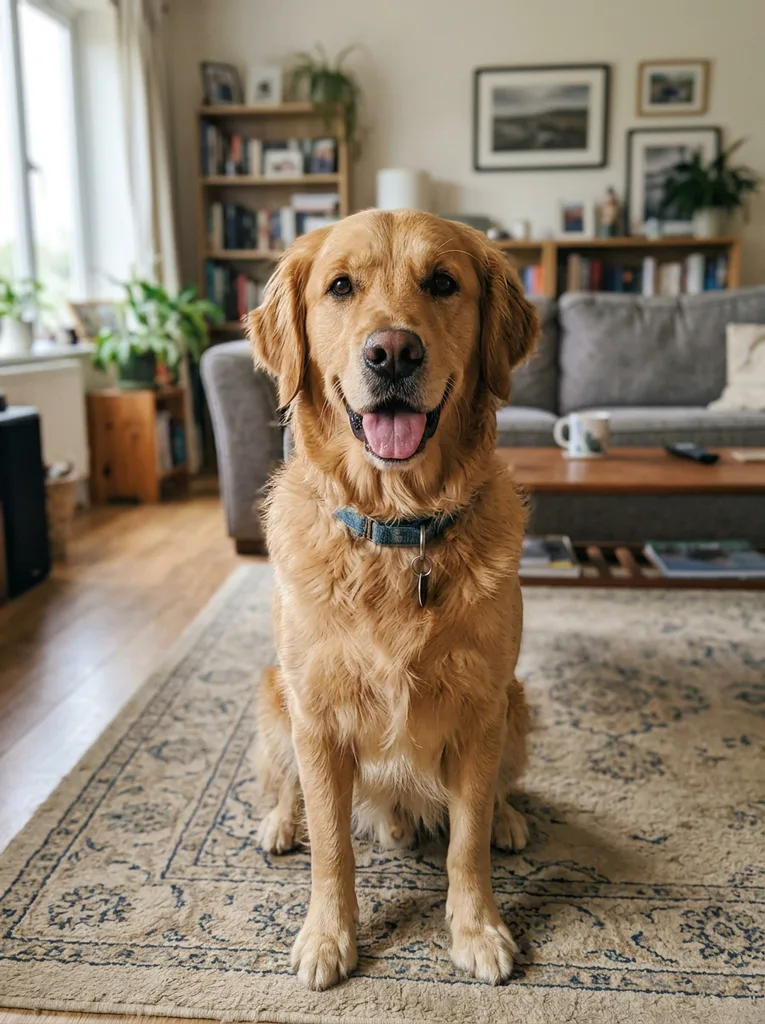 Before
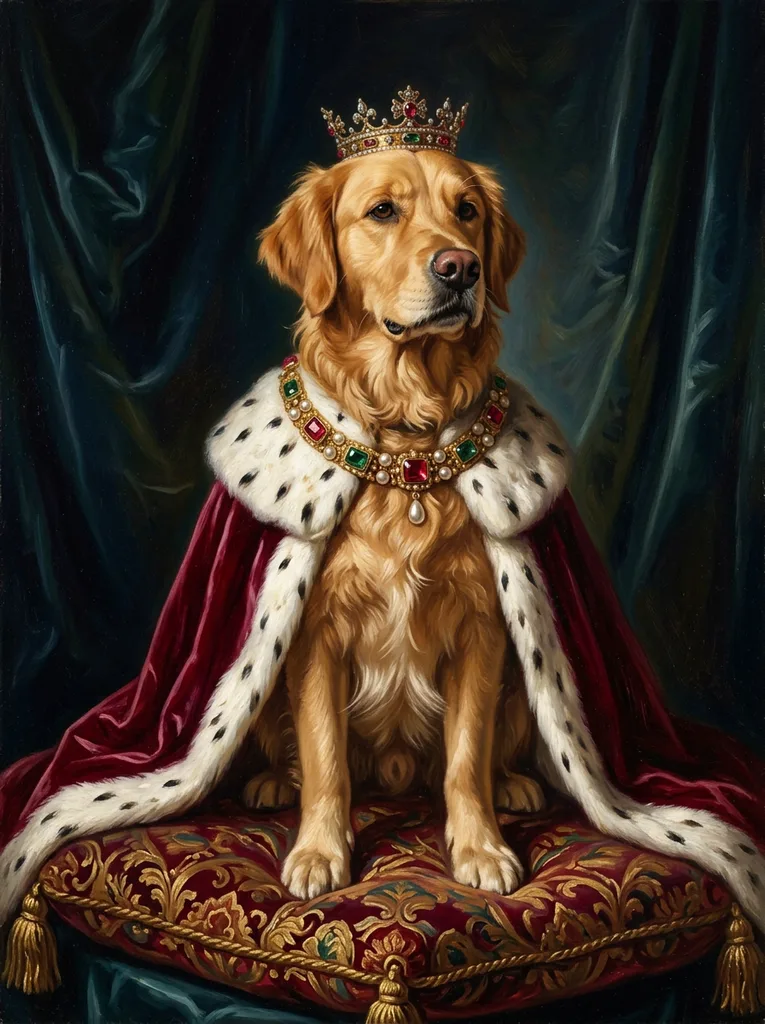 After
Example result. Upload your photo to make yours.
Examples
BeforeAfter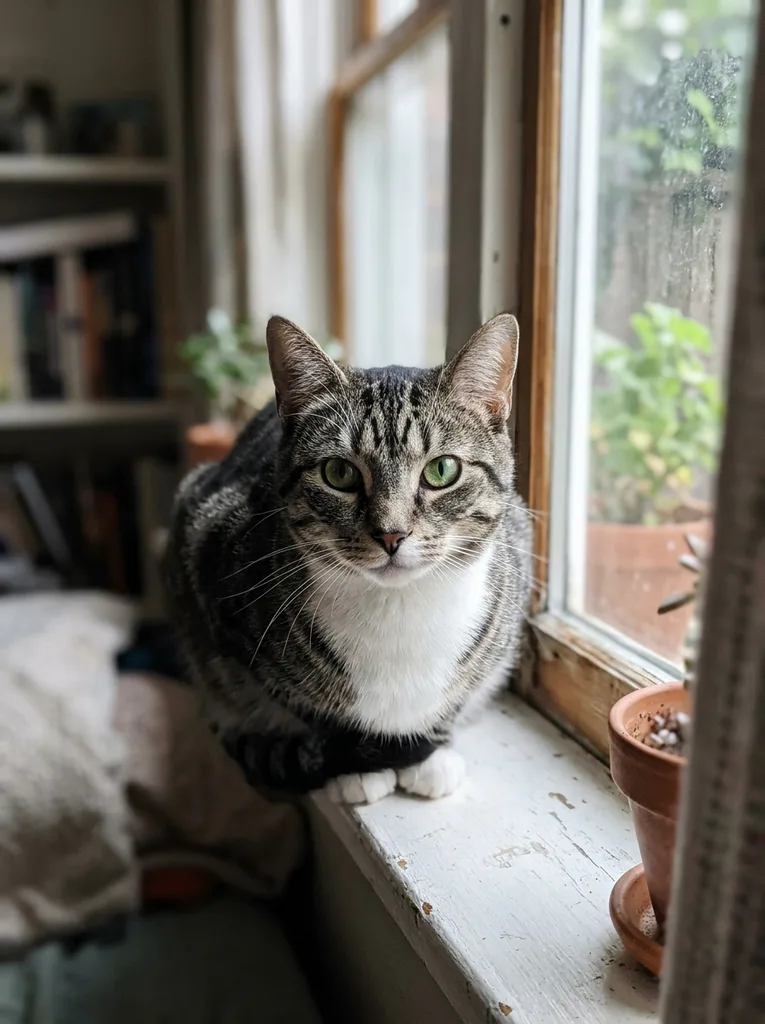 Before
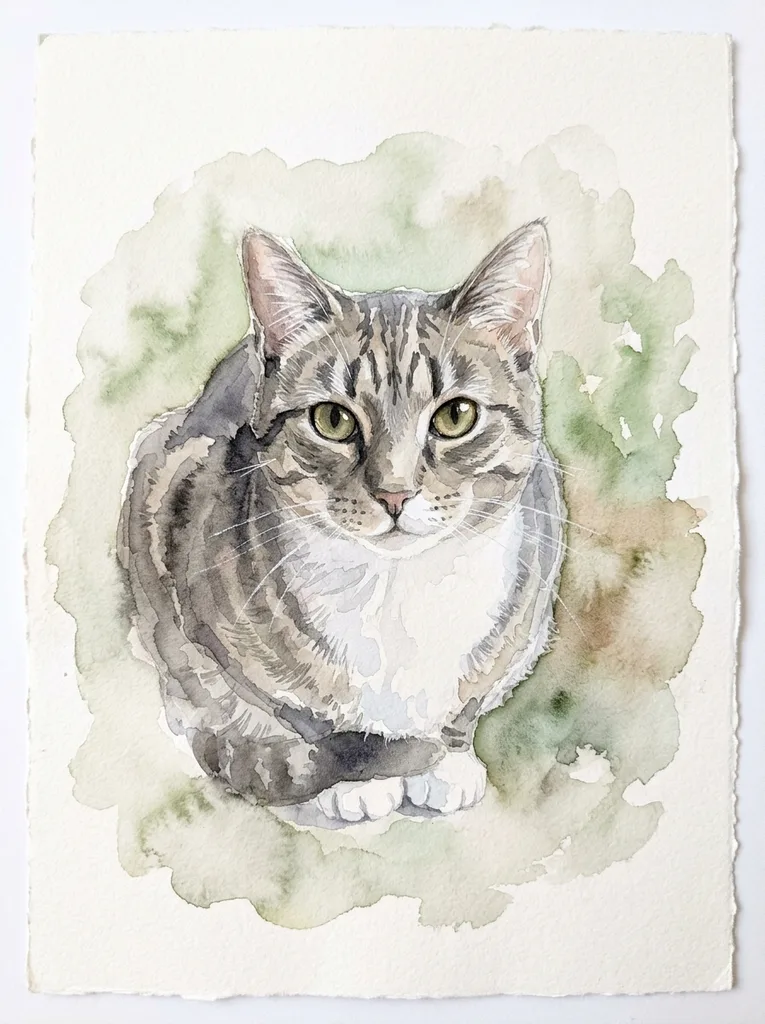 After
Which AI Pet Portrait Style Fits the Occasion
Each style is told to paint something specific. Match it to where the picture will end up.
Royal Pet for a gift that gets a laugh
Your pet sits on a tasseled cushion in a velvet cape with ermine trim, with a jeweled collar or a small crown, against dark drapery. It is the classic funny noble portrait, made for birthdays and office desks.
Oil Painting for a keepsake or memorial
Rich brushwork, warm light and a soft painted background, with no costume. It suits a photo of a pet you have lost, when you want the animal itself and nothing silly around it.
Watercolor for cards and walls
Loose transparent washes with white paper showing around the edges. The light look sits well on a greeting card or a small print on a bright wall.
Pop Art for a profile picture
Bold flat colors, thick outlines and halftone dots on one bright background color. The bold shapes suit an avatar or a social post.
Cartoon for kids and group chats
Clean outlines, flat bright colors and a friendly face. It turns the family dog or cat into a character for a kids' room print or a cheerful chat photo.
Pencil Drawing for a quiet framed piece
Graphite on white paper with fine fur texture and soft shading. Black and white goes with almost any frame.
Photo Tips for the AI Pet Portrait Generator
The model can only keep what it can see. A few minutes choosing the photo matters more than the style.
- Use a photo with one pet in it; the portrait shows a single animal, so crop out other pets and people first.
- Pick a shot where the face is sharp and the eyes are visible, ideally looking roughly at the camera.
- Choose daylight or a bright room so fur color and markings are clear, not lost in shadow.
- Skip filters and heavy edits; a filtered coat color can end up in the painting.
- Head and shoulders or a sitting pose works best, since the portrait is a 3:4 upright frame.
- Keep the ears and the top of the head inside the photo instead of cropping them off.
- Make sure nothing covers the face, such as a hand, a toy or a blanket.
- Your free image is one for the whole site, so start with the photo and style you want most.
Free AI Pet Portrait or a Paid Keepsake?
Four common routes to a pet portrait, by what you actually get from each.
| This generator | Pet portrait apps | Portrait print shops | Hand-painted commission | |
|---|---|---|---|---|
| To try it | First image free, no sign-up | Free download, then credits or plans | Free preview, pay for the print | Paid, priced by the artist |
| Install or account | Neither, it runs in the browser | App install | Checkout for the order | Talk to the artist |
| Photos needed | One | Usually one | One or more | Whatever the artist asks for |
| Who makes it | AI, Google's Gemini image model | AI | AI or artists, by shop | A human painter |
| What you receive | A 1K digital image | Images, often videos too | Prints, canvas or mugs | An original painting |
| Best for | Seeing the idea fast and free | Lots of themes on a phone | A ready-made gift to hang | An heirloom |
What the Free AI Pet Portrait Includes
The facts behind the button: what is free, where your photo goes and what you take home.
One free image, no account
Your first image is free across the whole site, with no sign-up and no credit card. If a generation fails, it isn't counted and the free image comes back.
Your photo is used for your portrait only
Your photo is only used to create your artwork and is never used to train AI models. It is resized and compressed in your browser, then kept at a private, unlisted link the model reads from. Email us and we delete it.
A digital file, ready to save
You get one upright portrait image with a Download button and no watermark from us. It disappears when you refresh or leave the page, so save it straight away.
Digital only, one pet at a time
We don't print, frame or ship, and there is no app or saved gallery. Each portrait shows a single pet from a single photo.