
Image to Art Converter
This image to art converter redraws your photo as comic art, stained glass, ukiyo-e, mosaic and more. Your first image is free, with no sign-up.
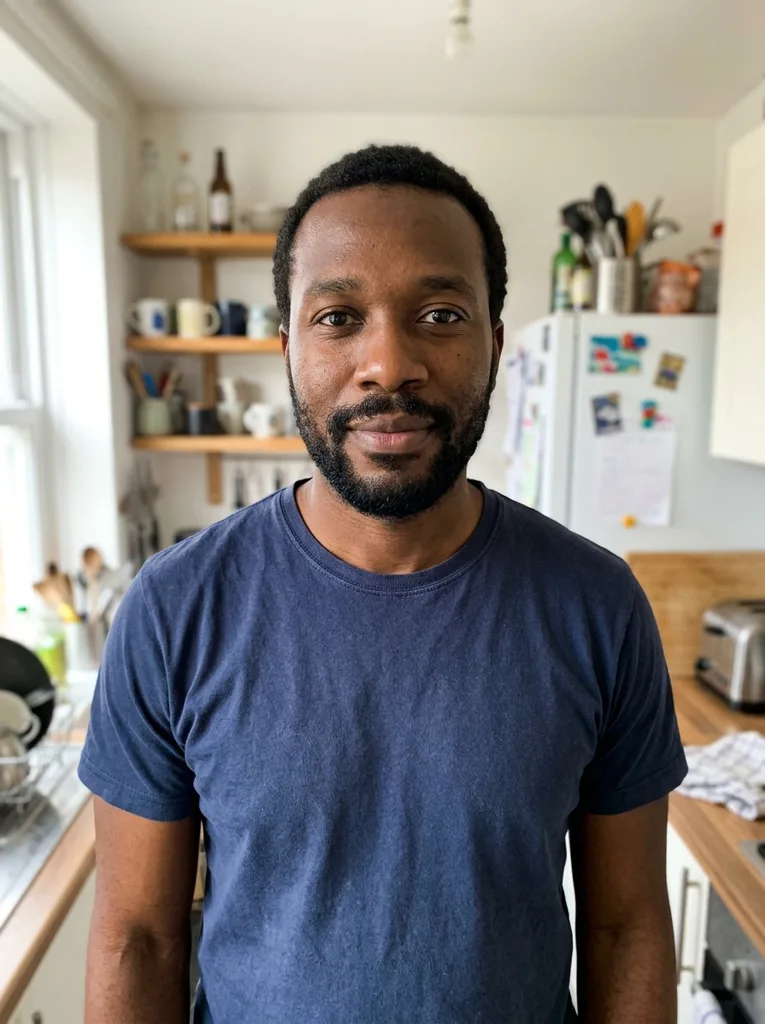 Before
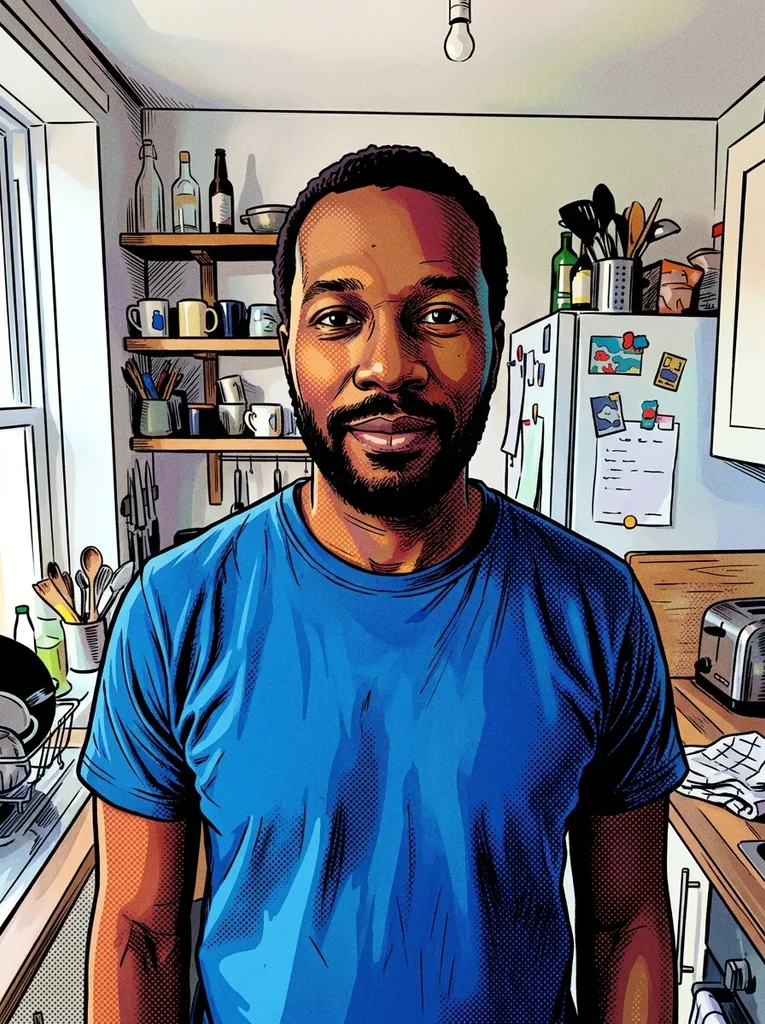 After
Example result. Upload your photo to make yours.
Examples
BeforeAfter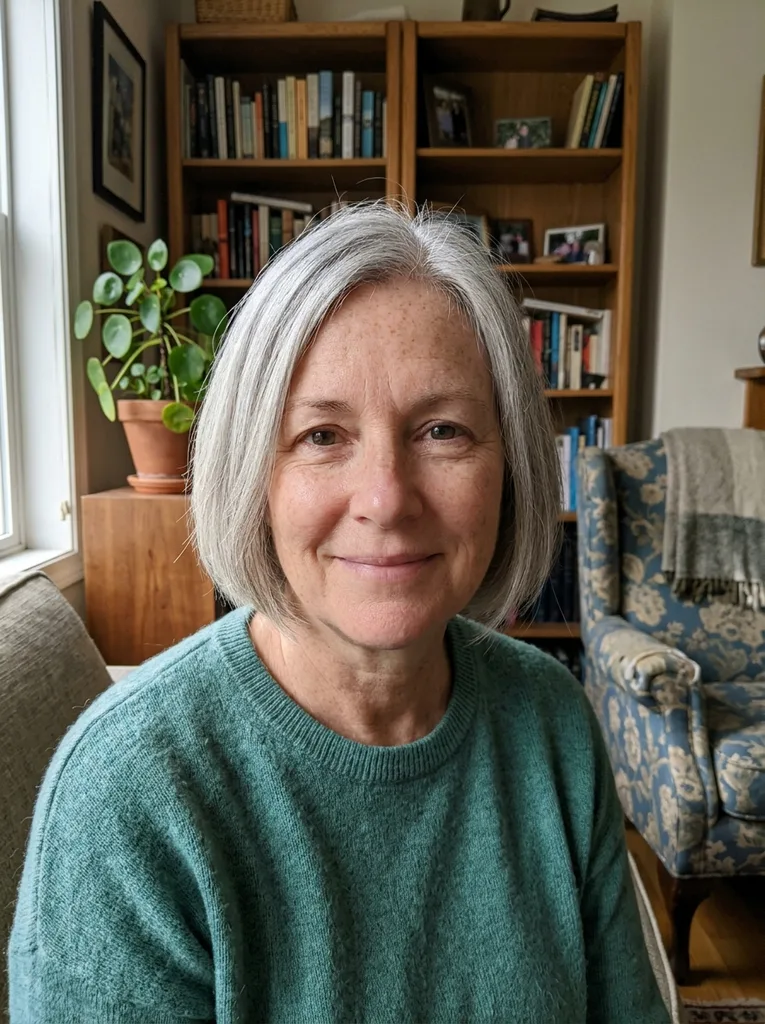 Before
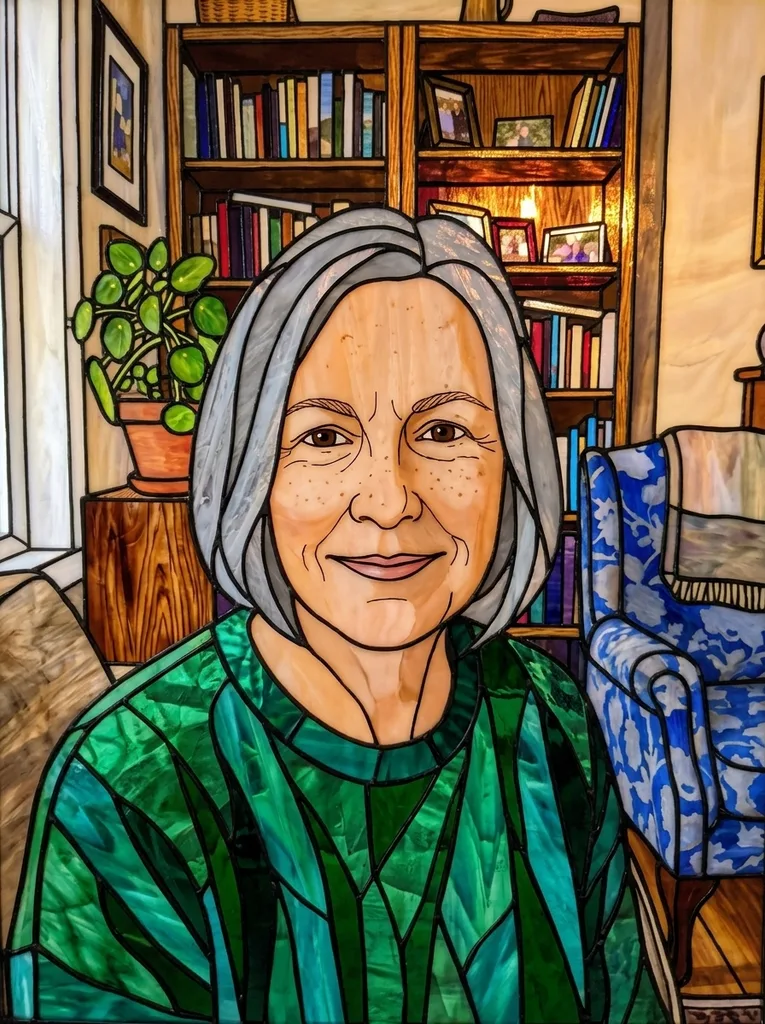 After
Eight art styles beyond painting, and what each one does
Each button tells the image to art converter which art form to ask for. Your free image covers one, so pick your favorite first.
Comic Book
Bold black ink outlines, flat vivid colors and halftone dot shading, like a panel from an American comic. Faces with a clear expression and action shots suit it. Use it for a profile picture, a birthday card or a poster of your crew.
Stained Glass
Your photo is rebuilt from jewel-colored pieces of glass held together by thick dark lead lines, with light glowing through. Large, simple shapes give the glass room, so try a close portrait, a single flower or a church window view. It makes a striking card or phone wallpaper.
Ukiyo-e
In the manner of a Japanese woodblock print: flat areas of muted color, fine black key lines, stylized clouds and waves, and the texture of washi paper. Coastlines, mountains, bridges and quiet street scenes fit the form well.
Cubism
The subject is broken into geometric facets seen from several angles at once, in earthy browns, ochres and grays, after early 20th century Cubist painting. Pick it when you want an art piece more than a likeness. Try it on a still life, a guitar, a cafe table or a portrait you want to frame.
Mosaic
The picture is laid out in small square stone and glass tiles with visible grout lines, like an ancient Roman floor. Try it on a pet, a face or a simple scene. Use the optional note to set the tile colors, such as blue and white.
Art Nouveau
An Art Nouveau poster: elegant flowing outlines, decorative floral detail, soft flat colors and gold accents. Portraits with long hair, couples and garden photos suit it. It works as a wedding or anniversary gift print.
Low Poly
Low poly digital art: the image is built from flat-shaded triangles with crisp edges and a clean color gradient. Try it on mountain views, animals and cars. Use it for a desktop background, a game-style avatar or a channel banner.
Street Art
A mural spray-painted on a brick wall, with bold spray colors, drips, stencil-like shapes and urban texture. Try it on a pet, a portrait or a band photo. Use it for a poster, an album cover idea or a shirt mockup.
Why use this AI art generator from photo uploads
Why style buttons beat a blank prompt box when you want artwork from a photo.
Art forms, not just filters
Each style button carries a full description of its art form, from lead lines and glowing glass to tiles with grout or drips on brick. You get a stained glass or ukiyo-e look without writing a prompt.
Faces are redrawn too
The model is told to redraw the whole image, faces and skin included, with no photo texture or camera lighting left. It is also told to keep each person and pet recognizable by face shape, hairstyle and clothing colors.
Your framing stays
The artwork follows the aspect ratio of your photo, so a tall phone shot stays tall and a wide view stays wide. Subjects are meant to stay in the same places and poses.
No frame, text or watermark added
The request asks for art that fills the frame edge to edge, with no border, signature or text. Download gives you the model's file as returned, with no watermark from us.
iPhone photos welcome
HEIC files are converted to JPEG in your browser, and large photos are scaled down before upload. JPG, PNG and WebP up to 10 MB work as they are.
Steer it with a short note
An optional box of up to 300 characters is added to your request. Use it for colors or mood, such as "use mostly blue and gold" for a stained glass window.
Image to art converter, prompt tool or a painter?
Three ways to get artwork from a photo, side by side.
| This converter | Prompt-based AI generators | Hand-painted commission | |
|---|---|---|---|
| How you choose the style | Tap one of 8 art style buttons | Write the style yourself as a prompt | Describe it to the artist |
| Writing a prompt | Optional 300-character note | Usually required | Not needed |
| Cost | First image free, no sign-up | Often daily credits, paid plans for more | Typically from about $89 for a canvas |
| Wait | One generation in the page | One generation per prompt | Typically weeks, plus shipping |
| What you get | A digital image to download | A digital image to download | A physical painting |
| Who makes it | An AI image model | An AI image model | A human artist |